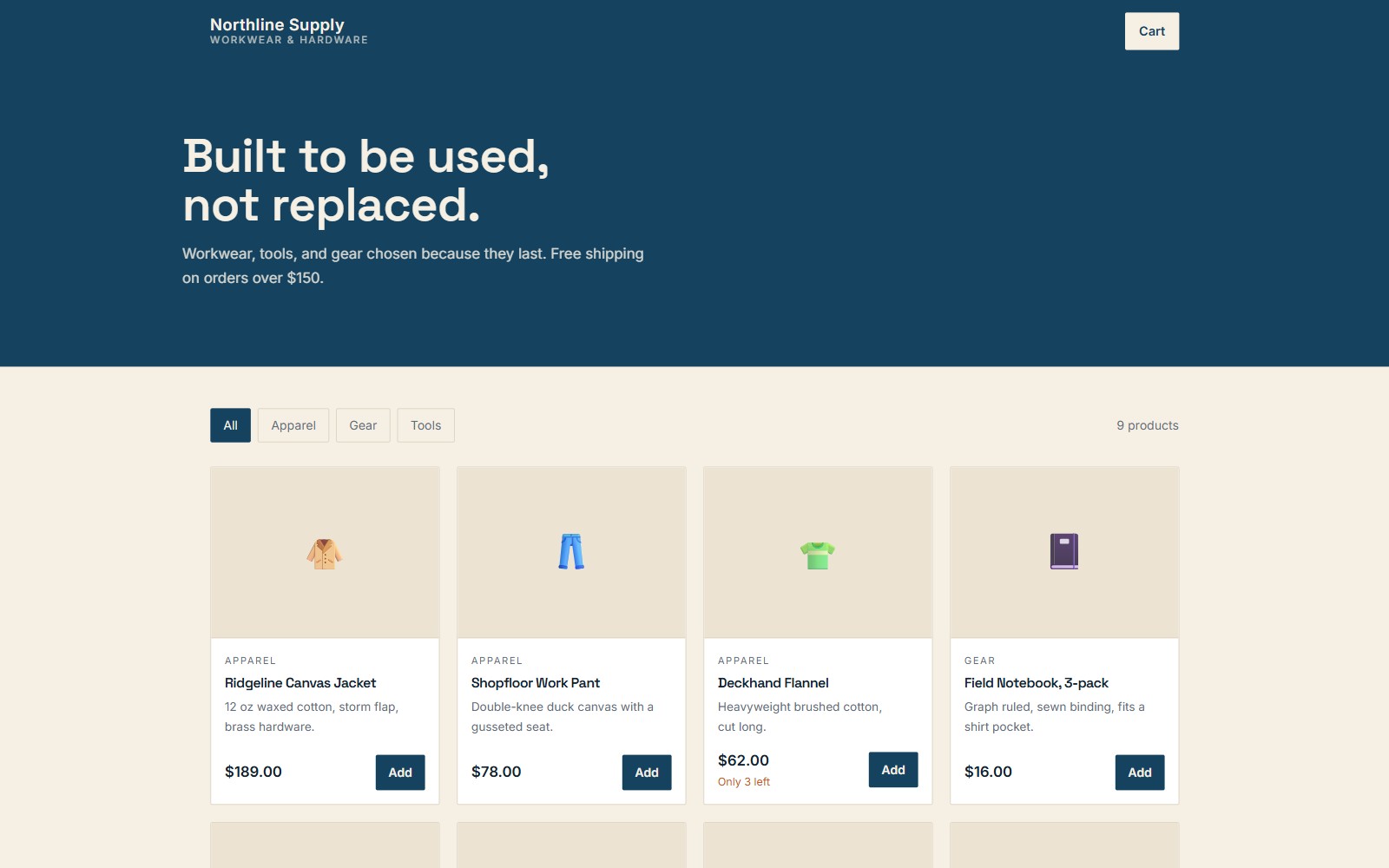
Retail storefront
A product catalog with a working cart, filters, and checkout. What a shop needs to sell online without renting a platform.
- Product catalog with categories and filtering
- Cart and checkout flow
- Inventory and stock states
- Order confirmation
Open the demo →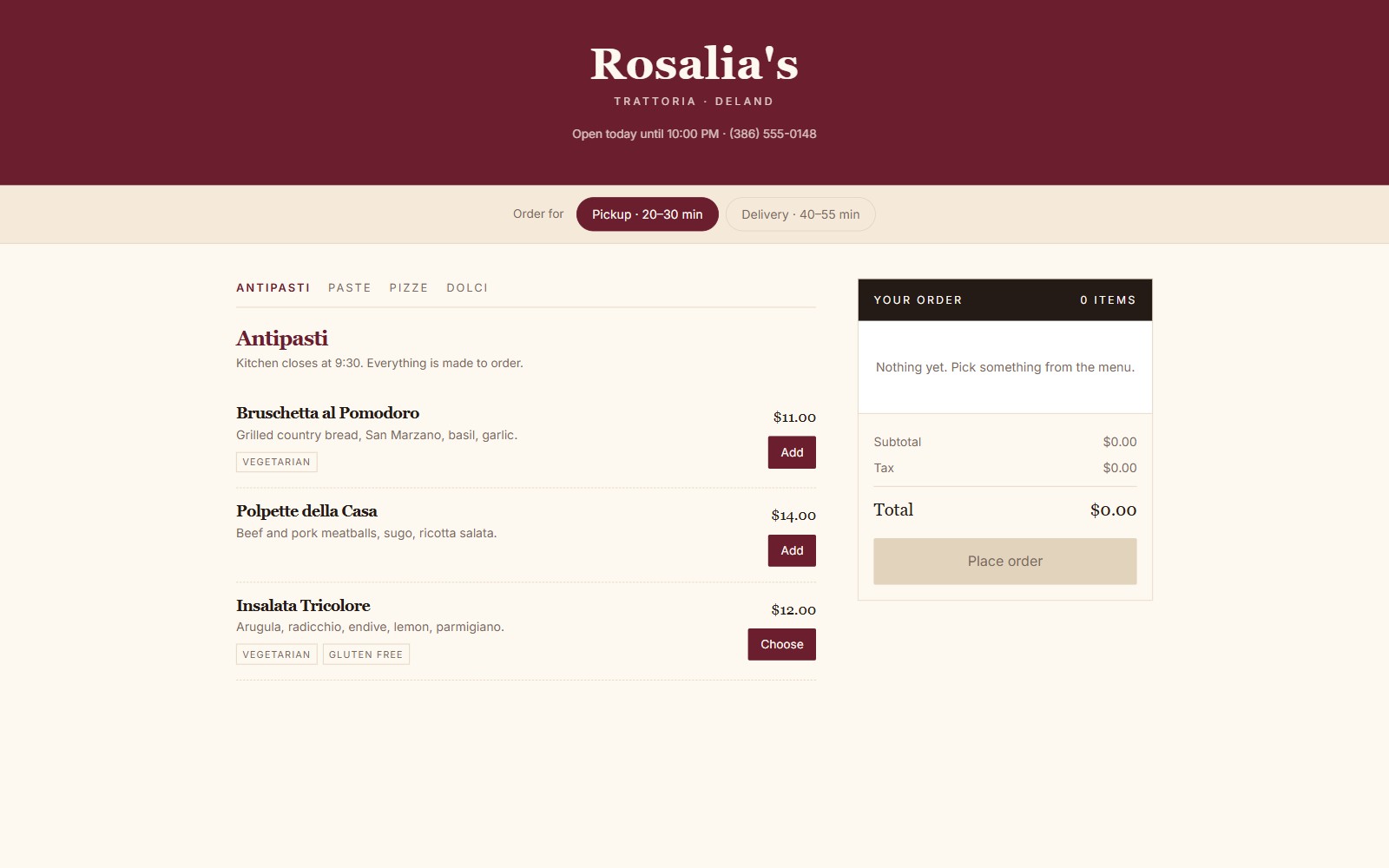
Restaurant ordering
A menu that takes orders. Item options, pickup and delivery, order type, and a running ticket total.
- Menu with categories and item options
- Order building with modifiers
- Pickup or delivery selection
- Live ticket total with tax
Open the demo →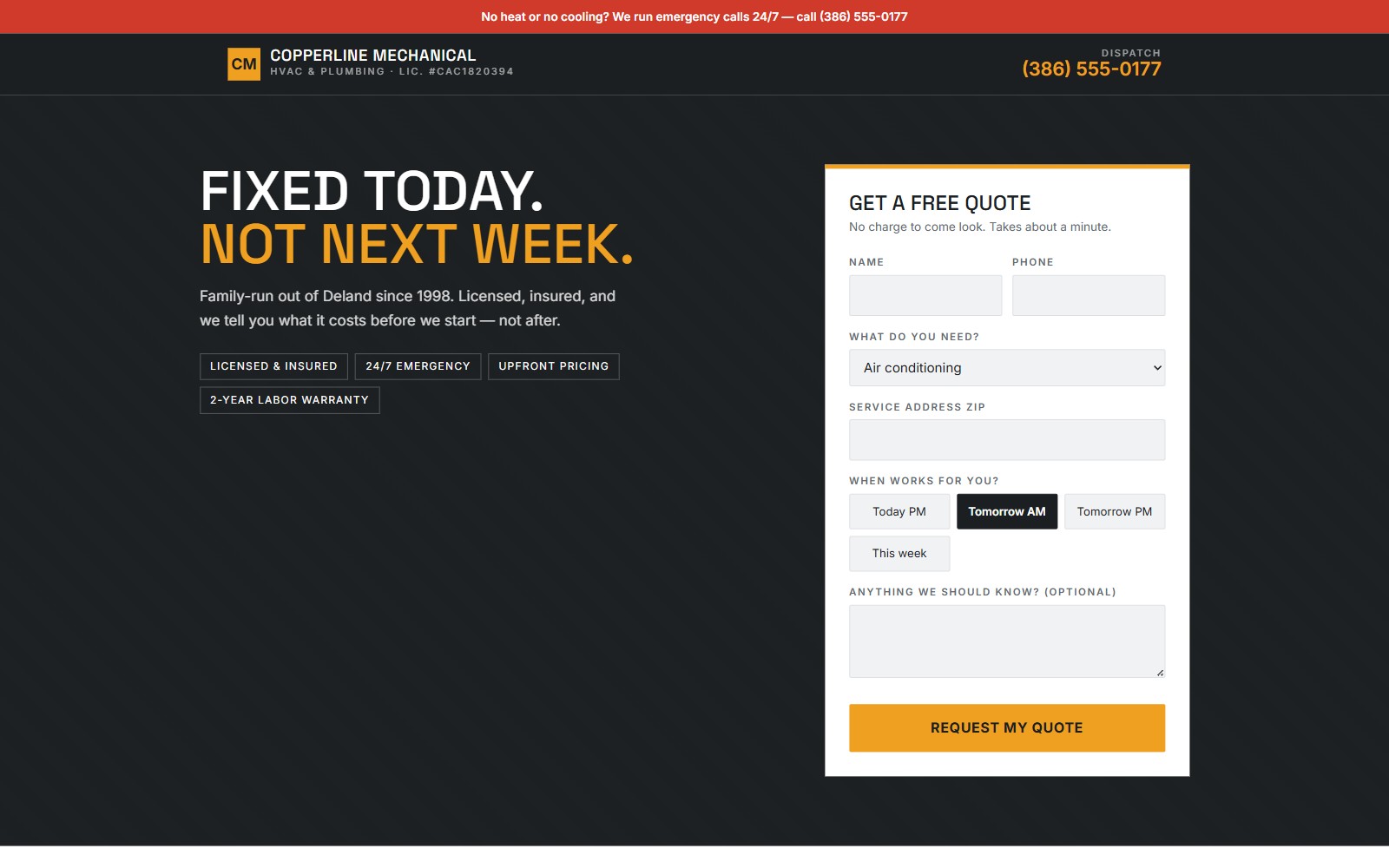
Service business
Quote requests and scheduling for a trade business. Service areas, booking, and a path for the emergency call.
- Service and service-area pages
- Quote request with scheduling
- Emergency contact path
- Reviews and trust signals
Open the demo →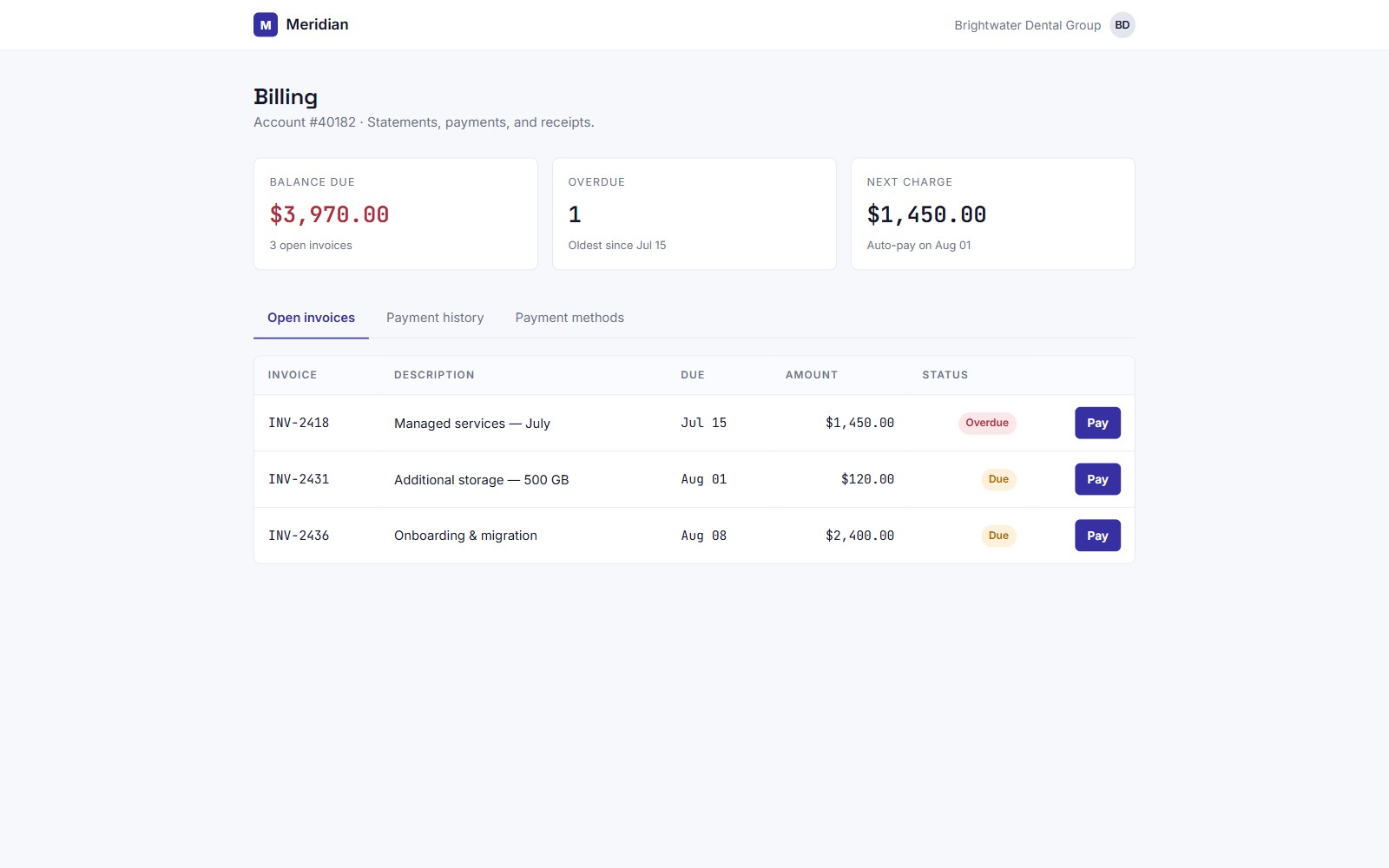
Payment portal
A customer billing portal. Invoices, payment methods, history, and receipts — the part most small businesses do over the phone.
- Invoice list with status
- Pay an invoice
- Saved payment methods
- Payment history and receipts
Open the demo →